Over 1M Posts • 84K Topics • 9K Authors

my celica collage what do you think - 6G Celicas Forums

Topic #46786 23 posts Started by cel97ica
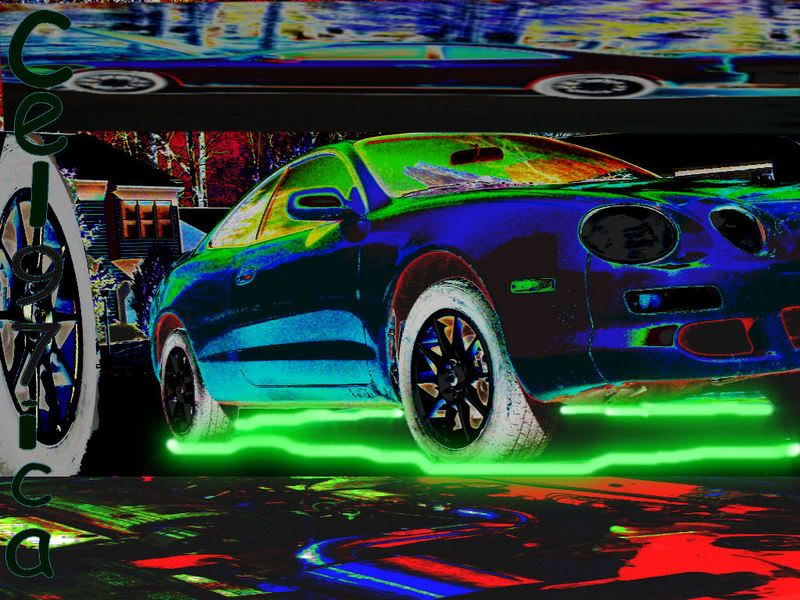
IPB Image

what do you think about it?
looks pretty sweet to me

DRIVE UP..........ACCEPT THE CHALLENGE.........DESTROYYOUR OPPONENT.........
for my first i didnt think it was terrible i just wanted to see what others would think about it
sorry, but it looks horrible
laugh.gif >
QUOTE
>sorry, but it looks horrible


LOL, honest but true.

98 Celica gt red- totaled deer94 Celica st black DD (bad weather beater)- totaled deer95 Celica gt silver- chassis sold88 Celica All-Trac (Burned to a crisp)94 Celica gt white (sold)In need of a rust free chassis!!!!
i mean your right better to be honest its my first so hey oh well, just more practice i guess
not bad, i think the inverted colors kinda ruin it, but some descent skills none the less =) keep up the good work!!

you know why they put sheep at the edge of a cliff.... that way they push back!(2:27:32 AM) edit: please f*cking work, f*ck, sh*t, piss(2:28:08 AM) edit: that did the trick
>
QUOTE(Dee-No @ Apr 1, 2007 - 8:26 AM) [snapback]541921[/snapback]
>
sorry, but it looks horrible


i still think it looks good hehe

DRIVE UP..........ACCEPT THE CHALLENGE.........DESTROYYOUR OPPONENT.........
hahah thanks i did at first too that why i made it there just haters
Thats sick

I"M NOT A TOYOTA FAN, IM A FANATIC1984 accord hatch 5 speed (T-Belt)-Junkyard1991 VDUB jetta wolfsburg Ed. 5 speed (clutch)-junkyard1988 Dodge Aries K (sold)1969 Chevy El camino - Traded for celica1991 Dodge Daytona-Traded for Celica1988 Chevy Camaro-Work in Progress1989 Ford Mustang LX 5.0 - For Sale1995 Toyota Celica-Work in Progress
honestly i think it looks pretty bad. there is too much going on and the inverted colors are just not my taste. just my opinion.
Not a bad first attempt. here's some pointers from someone who's been doing digital art for a while.
1. rarely is it a good idea to invert colors. usually people will not approve of it and it takes away from the actual detailed work you did.
2. as you get better, stray away from using filters( aside from various blues, and minor artistics), it tends to make an image look cheap and overdone.
3. when doing a font, choose one that fits the mood. make sure the font is on a transparent layer that way you can blend it into the image to give it a better effect.
4. less is best. negative(empty) space isn't a bad thing. also try not to make it a habbit of stretching images in a non proportional way.
5. practice, practice, practice. just keep at it and things will come natural.

i hope you don't think i'm being too critical but i figured rather than telling you it's good or bad, i'd explain ways that you can better yourself.

The "Fly Low" Project: 3rd Gen 3SGTE
thanks everyone who thinks its good for my first try.. and fate nah i dont think its too critical it helps so its all good ...thanks again
it is a good first try, i prolly should of said that. are you working on your second attempt, im interested to see that. wink.gif
started to but then stopped i will and you guys lemme know if its better ill put it on this same page, without inverted colors
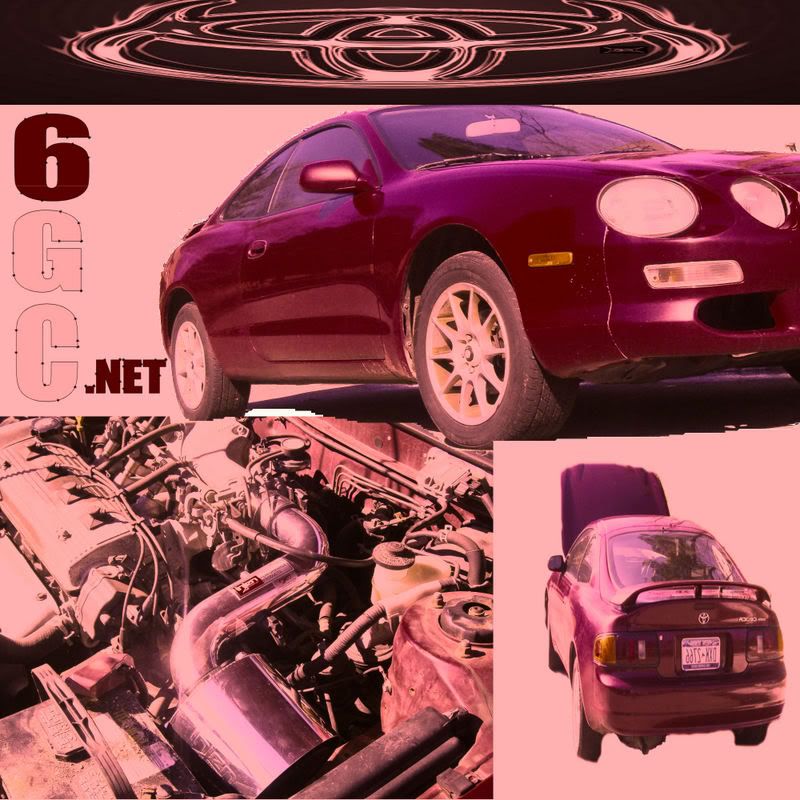
IPB Image


just finished took like 10 min anybetter??? after i finished i thought about some stuff i could of added maybe ill fix it then put the remade up
not to bad agreed on the not needin the invert maby invert the car in the midle, with reg rim to the left keep the engine bay invert an a sepia for the top car u no give it that normal but unique quality an cut down the size of the midle
>
QUOTE(cel97ica @ Apr 3, 2007 - 6:26 PM) [snapback]542876[/snapback]
>
IPB Image


just finished took like 10 min anybetter??? after i finished i thought about some stuff i could of added maybe ill fix it then put the remade up


No offence.. but keep at it tongue.gif Here what i would say

1) too much skew on the upper embelem
2) Very bad job of cutting objects out... The muffler isint round, i see white space under the car and... a square out of the tire ???

Did you do this in paint? If not... spend a bit more time cutting out your object.. use the magnification tool and carefully select your edges. Try using a bit of blending when pasting objects. Good luck

----- '94 ST hatch --- Yellow -----
thanks for the advice i used corel paintshop pro, im just figuring out how to use it so ill keep at it